
This navigator lists all pages of the current project, sorted by page category.
Using this navigator, jumping between pages is easy, also if not all pages are currently visible on the "Page Bar".
User Interface
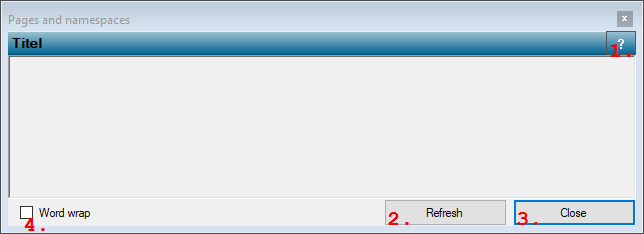
Navigator that shows all page names and allows to jump to pages
This navigator lists all pages of the current project, sorted by page category.
Using this navigator, jumping between pages is easy, also if not all pages are currently visible on the "Page Bar".